Automatic price history
Record product and variation price changes and collect scheduled snapshots as your store operates.
Make price history part of your WooCommerce store—not another spreadsheet. Track every price change, show the lowest price from the previous 30 days on discounted products, and keep pricing evidence ready to inspect and export.
Built to support EU price transparency
Track price history and display prior-price information to help meet the EU’s 30-day price reduction disclosure requirements.
From $44.99 / year before tax · 30-day money-back guarantee
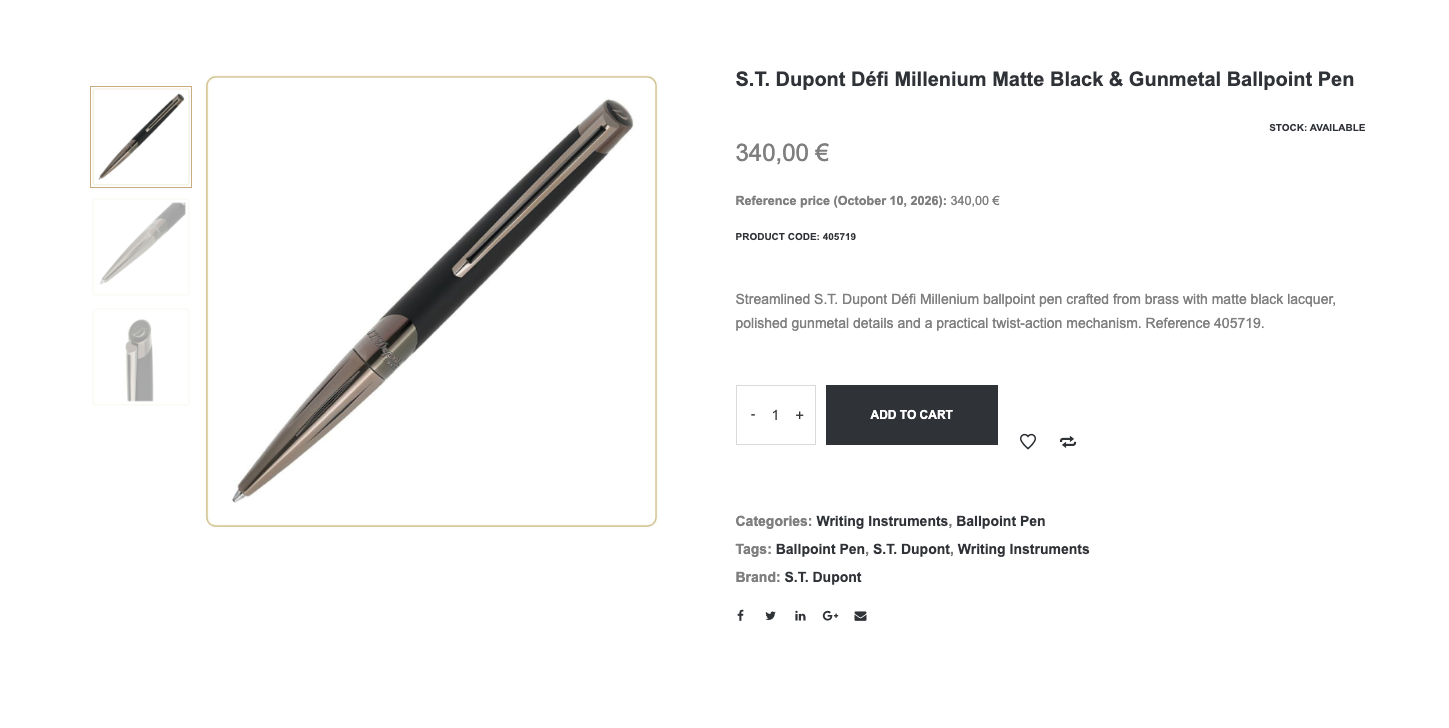
Example: a product page in your store
PGX Price History combines customer-facing disclosures with practical tools for the people running the store.
Record product and variation price changes and collect scheduled snapshots as your store operates.
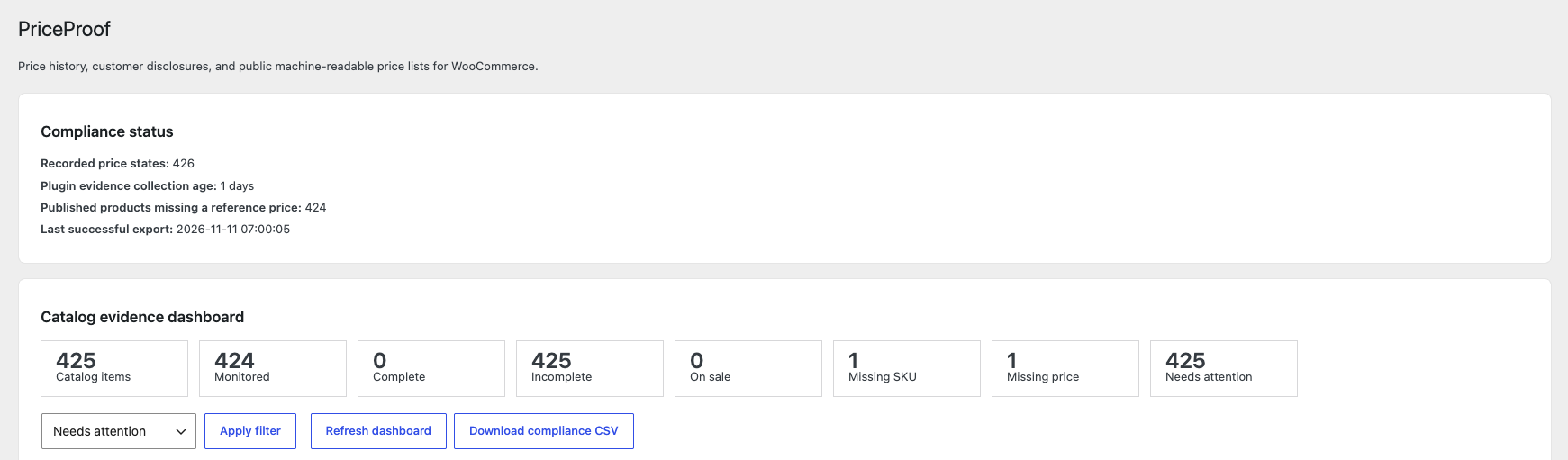
Show the lowest prior price on WooCommerce product pages and shop cards, with evidence-coverage checks before any lowest-price claim appears.
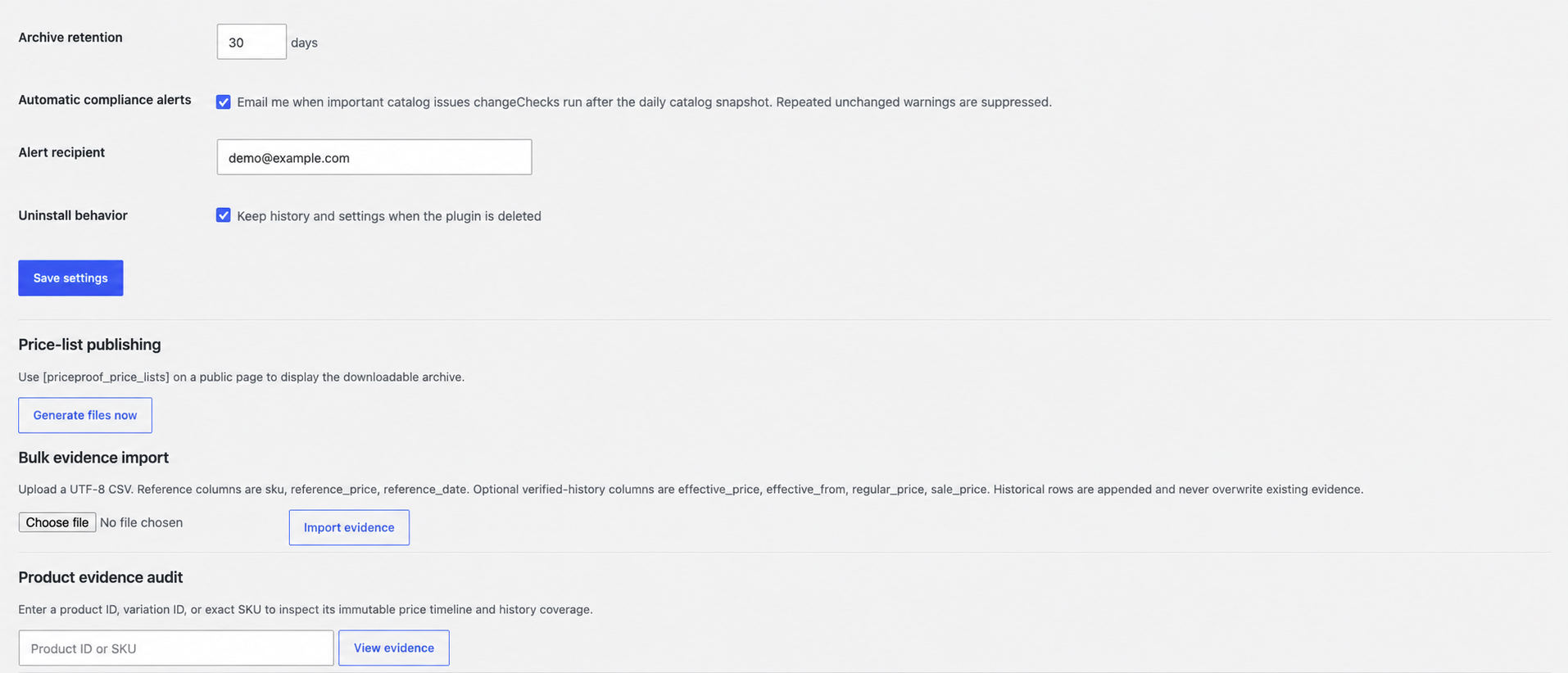
Find a product by ID or exact SKU, inspect its price timeline, and download an audit CSV.
Generate CSV and XML price lists and publish a downloadable archive using a shortcode or block.
Import verified historical pricing from CSV. Review coverage instead of presenting newly collected data as a complete history.
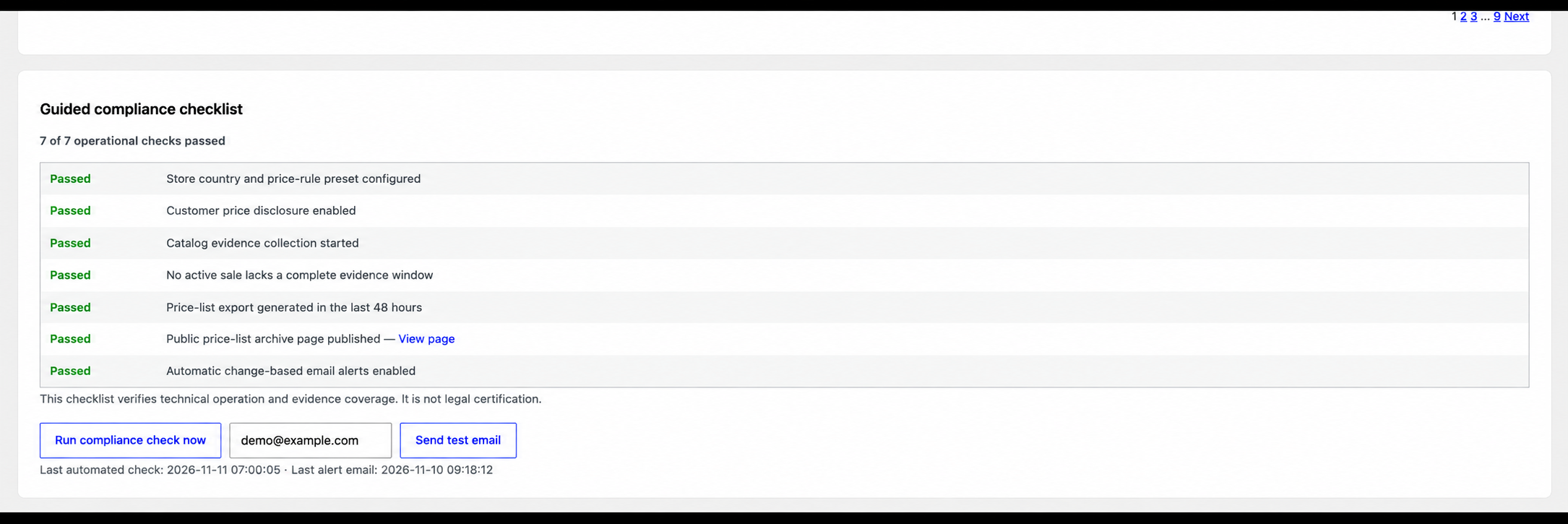
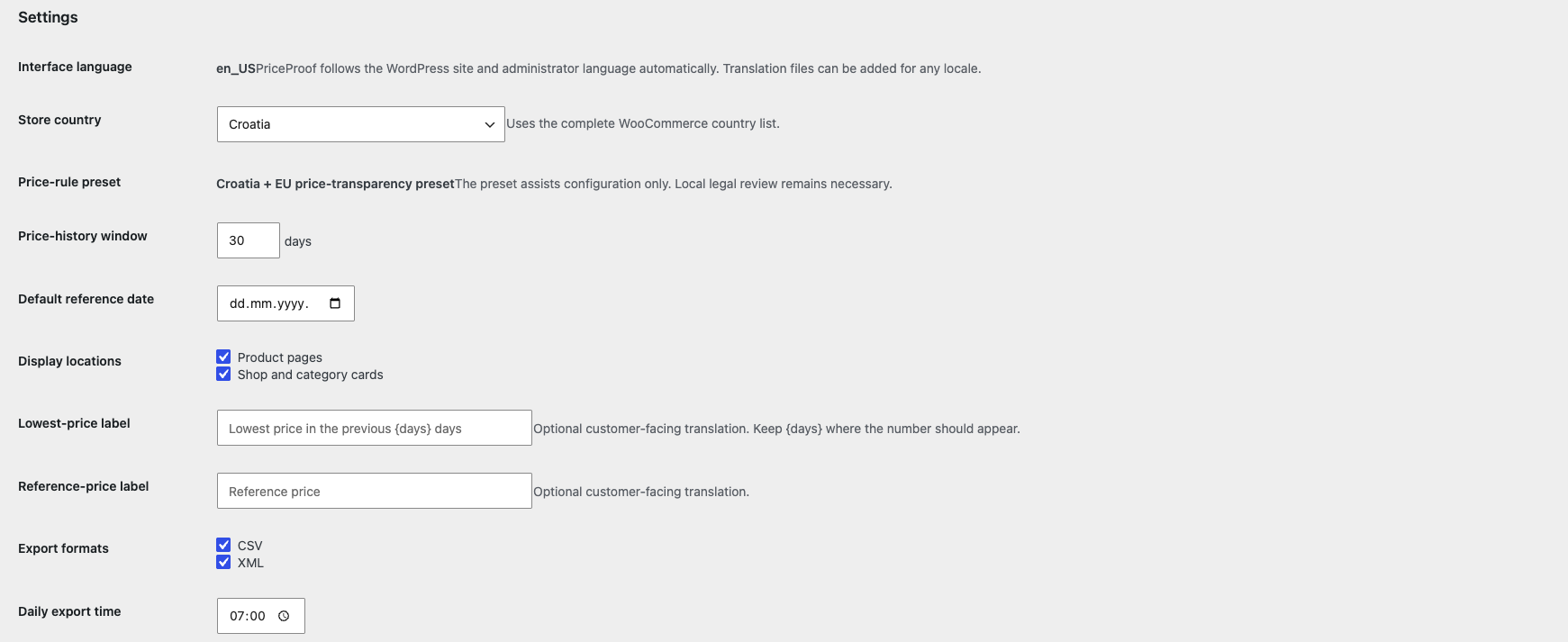
Use supported country-rule presets, an operational checklist, and change-based email alerts to help manage your pricing workflow.
Real interface captures. Email addresses have been anonymised in the checklist and alerts views. Storefront styling depends on your WooCommerce theme. Click any image to view it full size.
Start recording now. Build evidence over time—or import historical records you can substantiate.
Install the plugin, activate your Pro licence, and configure the store country and disclosure settings.
Let PGX Price History record changes. A new installation cannot reconstruct prices from before tracking began.
Inspect evidence coverage, check your storefront disclosures, and generate the exports your workflow needs.
All Pro features are included in every site tier. Annual subscriptions include updates and email support while active.
1 website · before applicable tax
Monthly $5.59 · Lifetime $134.99
Up to 5 websites · before applicable tax
Monthly $11.19 · Lifetime $269.99
Up to 20 websites · before applicable tax
Monthly $21.29 · Lifetime $504.99
Choose your site count, billing period and currency in Freemius checkout. The selector above changes displayed prices only. Checkout determines the final total, taxes and renewal terms. Monthly and annual plans renew automatically unless cancelled.
Compliance depends on store configuration, accurate pricing data and applicable national rules. No EU approval or certification is implied.
Need help with your store?
Talk to PGX Consulting ↗
PGX Price History is built for stores that need to show the lowest price applied in the 30 days before a price reduction, as introduced by the EU Omnibus Directive (2019/2161). It records your WooCommerce price history and only displays a lowest-price figure when enough recorded evidence exists. National rules differ, so it is a tool, not legal certification.
No. It provides recording, disclosure and evidence tools—not legal advice or certification. Requirements depend on your market, products and promotions. Merchants remain responsible for their settings, source data and applicable obligations.
Not automatically. Tracking starts when the plugin begins collecting records. Pro can import historical pricing you have verified. Without sufficient coverage, PGX Price History does not publish a lowest-price claim.
Compatibility with every extension is not guaranteed. Dynamic discounts, multi-currency systems, personalised prices and custom checkout logic require testing against the prices your customers actually receive.
The interface follows WordPress language settings and supports translation files. Country selection and supported rule presets help configure disclosures. This does not mean every language has a complete translation or every country's rules have been independently validated.
The current Pro plan is configured to keep purchased features after expiry, while updates and support end. Future WordPress or WooCommerce changes may require an updated version. Check the final licence terms at checkout.
WordPress 6.6 or later, PHP 7.4 or later, and WooCommerce 9.0 or later are the declared minimum requirements. Use maintained software versions and back up your store before installation.
Freemius handles checkout, payment processing, purchase-related tax calculation and licence delivery. Your checkout shows the applicable terms, privacy policy and renewal details before you confirm.
A clearer record for your team. Clearer information for your customers.